 Lift & Rest
REST TIMER FOR APPLE WATCH
Feel a tap when
your rest ends.
A rest timer for strength training. Plan your lifts on iPhone, then start the countdown from your wrist after each set.
Coming soon to the App Store
One-time purchase. No ads, subscriptions, or in-app purchases.
FROM PLAN TO NEXT SET
Train at your pace.
-
Plan on iPhone
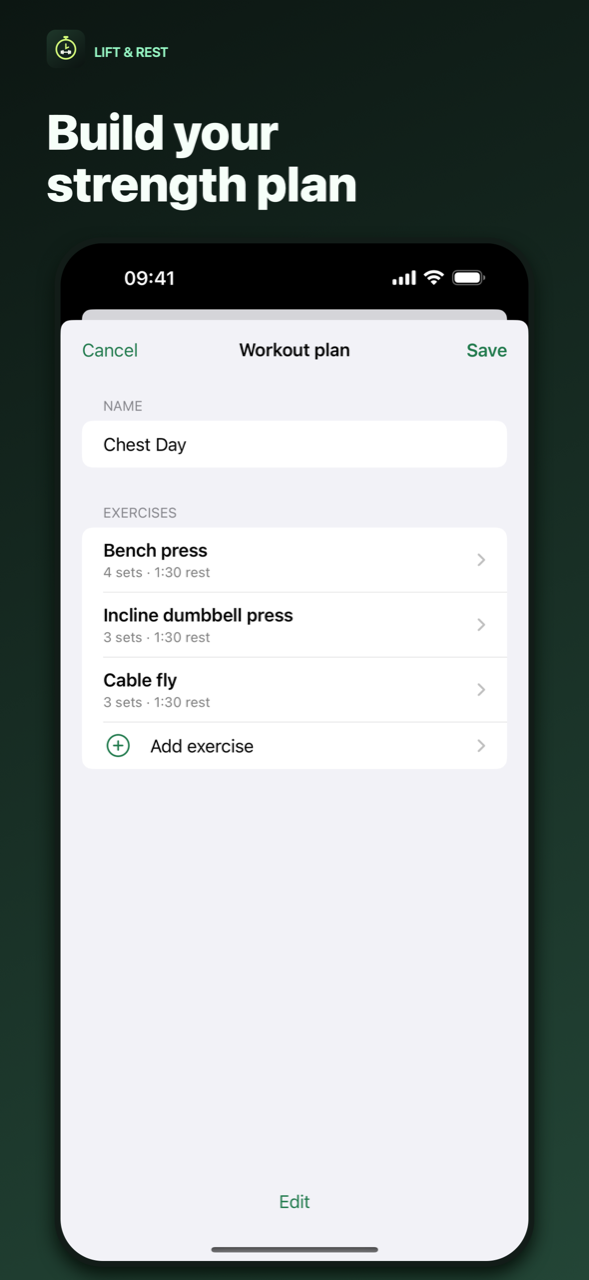
Choose exercises by muscle group. Set the number of sets and a rest time for each exercise.
-
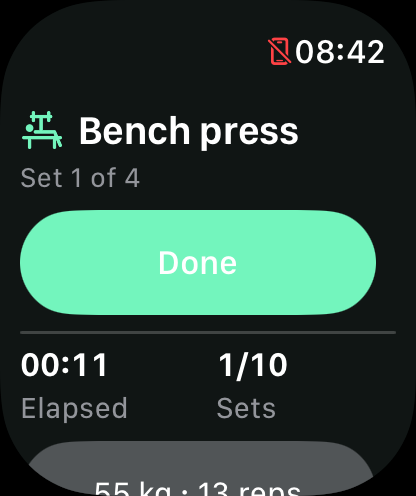
Tap Done after a set
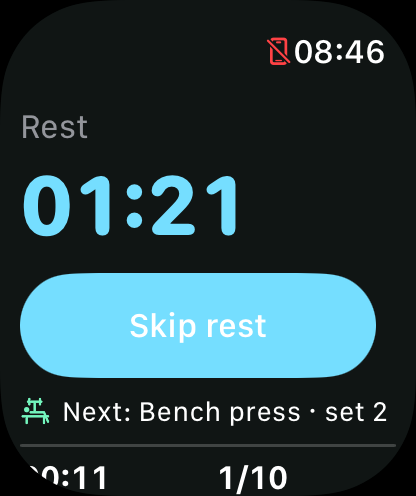
Apple Watch starts your rest timer and shows what’s next. On compatible Apple Watch Ultra models, you can use the Action Button during your workout.
-
Feel your next set coming
Your Watch taps your wrist at the end of rest. You can also skip the countdown whenever you’re ready.
IPHONE + APPLE WATCH
Your plan on your wrist.
Save a strength plan on iPhone and sync it to your paired Watch. During training you can see your current set, elapsed time, and what’s next. Log weights and reps when you want to.
Try the built-in Sample · Leg day plan before creating your own.
APPLE HEALTH
Save your workout with permission.
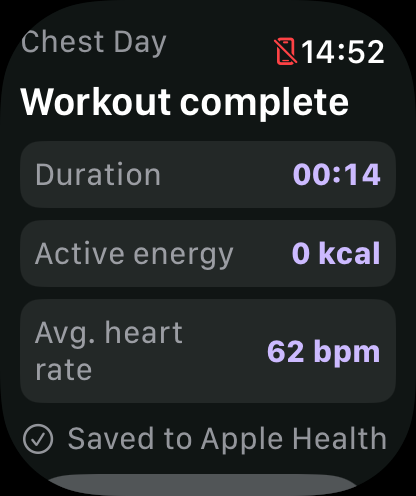
Lift & Rest can save a finished strength workout, with its duration and any available heart rate and active energy measurements, to Apple Health. The Watch summary shows average heart rate and active calories when available.
How your data is used